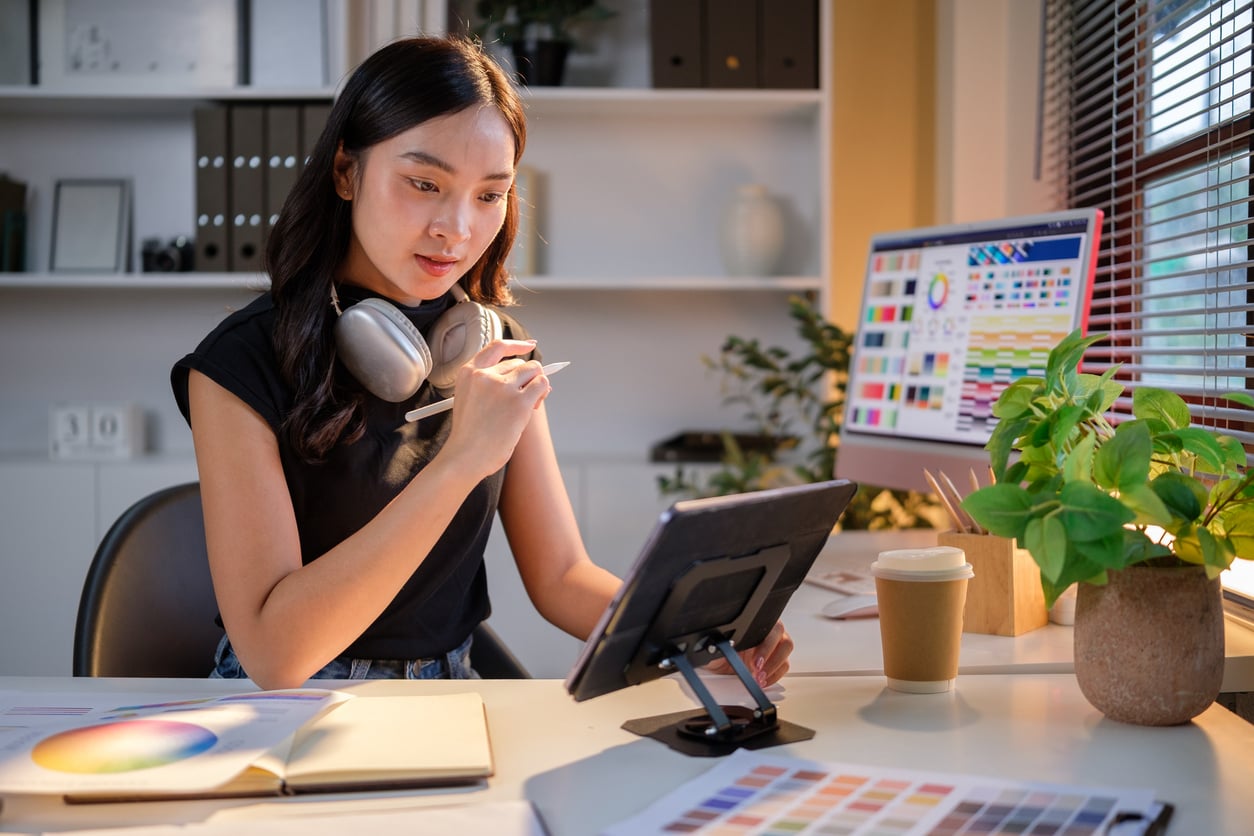
Designers today are often expected to be visual communicators who can pivot from print to web to motion work. You might be called upon to produce everything from posters, brochures, and product packaging to websites, animations, and videos.
Herzing’s Multimedia Graphic Design program covers all of these areas. You’ll develop your design expertise through hands-on projects and apply your new skills in the real world through an internship. The training builds step by step, so you gain confidence before moving into more advanced work.
Keep reading to find out exactly what you can expect to learn.
IN THIS BLOG
10 SKILLS YOU’LL BUILD IN THE PROGRAM
Students in Herzing’s Multimedia Graphic Design program learn design fundamentals, digital tools, and specialized areas like animation and UX design.
Here are 10 specific areas your training will cover.
1. Vector and bitmap image editing
You'll learn to work with two types of images: bitmap and vector graphics. Bitmap images are made of pixels, like photos. Vector images are made of shapes and lines, like logos.
You'll practise drawing techniques, masking, and non-destructive editing. Non-destructive editing means you can make changes to an image without permanently altering the original file.
This skill applies to almost every design project you'll work on, from web graphics to print materials.
 Vector illustration of a holiday card
2. Digital typography
Type shows up in nearly every design, whether it's a poster, a website, or a business card. You'll learn the fundamentals of type: different categories, spacing, and how to pair fonts well.
You'll also apply these skills in real projects. Expect to design things like a promotional brochure, a poster, and invitations.
Good typography isn't just about picking a nice font. It's about making sure your message is easy to read and fits the tone of the project.
3. Layout design
Layout is how you organize text, images, and other elements on a page or screen. Done well, it guides the viewer's eye and makes information easy to follow.
You'll study space, balance, and hierarchy, which is the order of importance for different elements in a design. Through hands-on projects, you'll experiment with different layout styles for both digital and print media.
This skill directly affects how well your designs communicate.
4. Website design
You'll build a foundation in HTML and CSS, the basic code that structures and styles websites. Even if you don't plan to become a developer, this knowledge helps you design sites that actually work.
You'll start with simple, fixed-width websites. From there, you'll move on to more complex layouts and, eventually, fully responsive sites that adjust to different screen sizes.
This is one of the more technical skills in the program, but it's built up gradually.
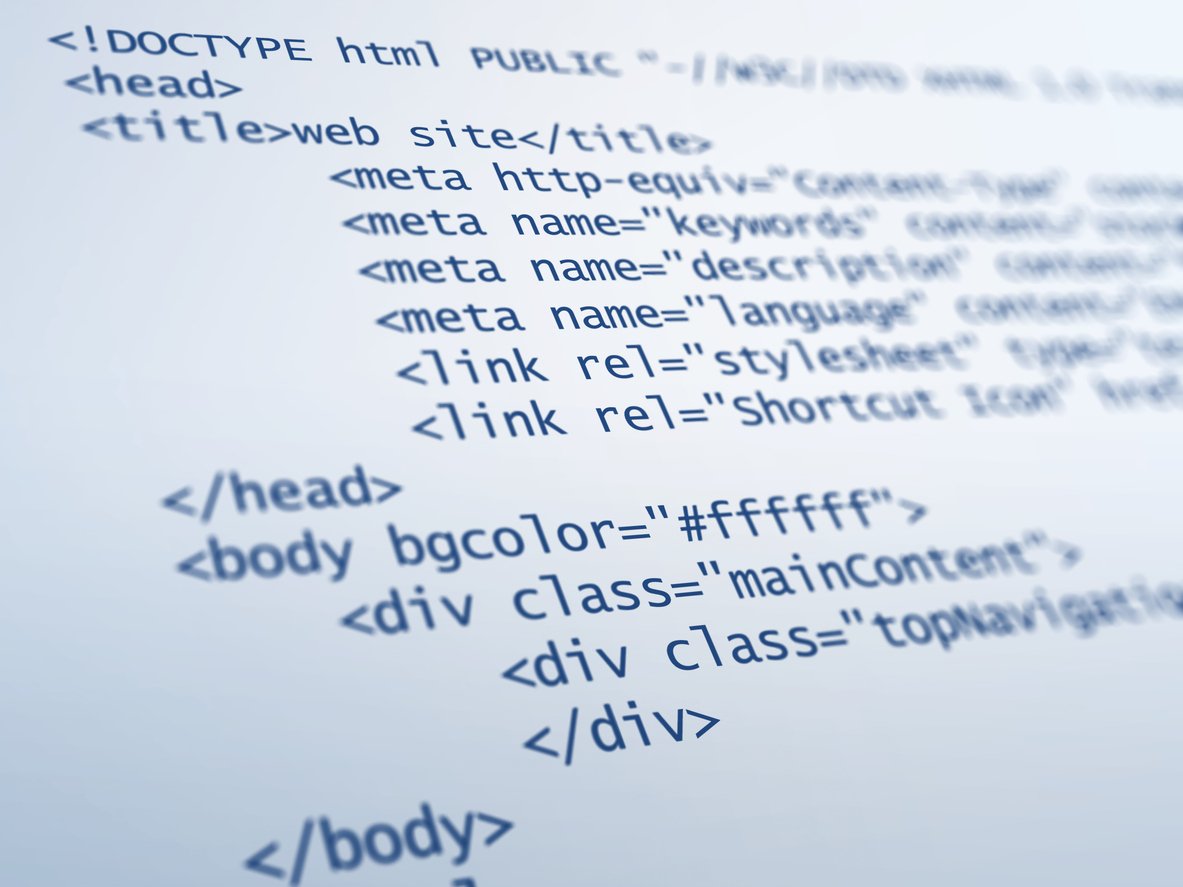 HTML is the standard markup language used to create web pages
5. Animation
You'll learn to create and edit animations using both bitmap and vector graphics. Topics include transitions, adding sound, and exporting your animations so they work across different platforms.
You'll also get introduced to basic interactivity using JavaScript, a coding language that lets animations respond to a user's actions, like a click or a hover.
Animation skills are in demand because more brands want short videos and motion graphics for social media and websites.
6. UI/UX design
UI stands for user interface, and UX stands for user experience. Together, they cover how a website or app looks and how easy it is to use.
You'll learn wireframing and prototyping, which are ways to plan out a design before building the final version. You'll also practise usability testing, which means checking whether real users can navigate your design easily.
This is one of the fastest-growing areas in design, since almost every business needs a website or app that works well.
7. Branding and package design
You'll learn how to build a brand identity from an idea to a finished product. That includes choosing colours, fonts, and imagery that reflect a company's personality.
Package design is part of this too. You'll explore how a design translates onto a physical object, including material choices and structure, not just the artwork on the surface.
This combination of skills is useful whether you end up working on logos, packaging, or a company's full visual identity.
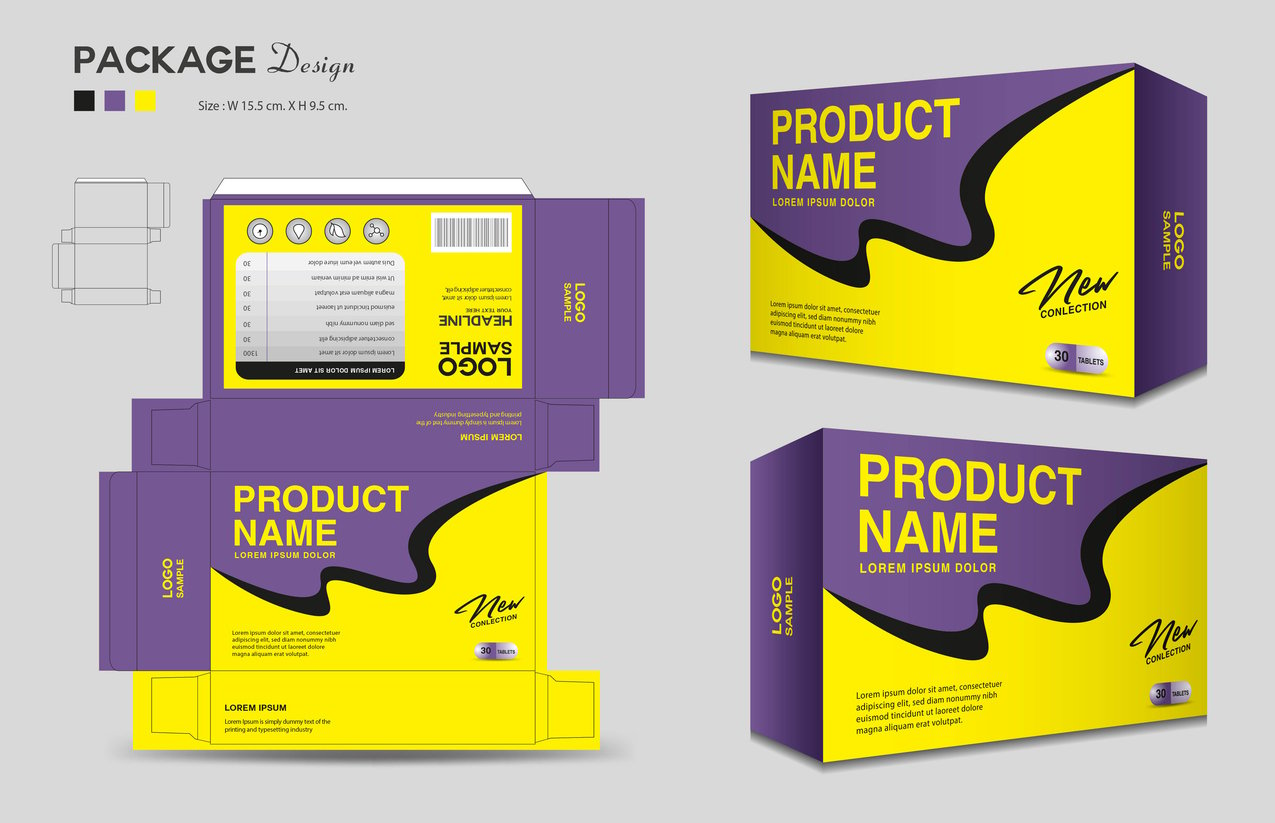 An example of package design
8. Design production
This is where design meets project management. You'll learn how to plan a project from start to finish, including setting timelines and communicating with clients.
You'll also learn print production basics, like preparing files correctly and understanding printing terminology. This helps you avoid costly mistakes once a design is ready to go to print.
These skills apply whether you're working for an employer or managing your own freelance projects.
9. AI tools and design ethics
AI is now part of many design workflows. You'll learn how tools like AI-assisted image editing, layout suggestions, and animation aids can speed up your process.
But speed isn't the whole story. You'll also learn about the ethics behind these tools. Topics include who owns AI-generated work, how copyright applies to it, and when it's appropriate to use AI versus doing the work yourself.
This mix of skills matters. Employers want designers who can use new tools well, without losing their own creative judgment.
10. Communication and collaboration
Design work rarely happens alone. You'll practise presenting your ideas clearly, explaining your design choices, and taking feedback without taking it personally.
You'll also work on group projects, which means learning to collaborate with others toward a shared goal. This might include splitting up tasks, giving each other feedback, and meeting deadlines together.
These are skills you'll use in almost any design job, no matter the specific role or industry.
HOW WILL YOU USE THESE SKILLS AFTER GRADUATION?
These skills line up directly with entry-level design roles. Graduates can pursue jobs like junior graphic designer, layout artist, digital content creator, digital media designer, and production artist.
Employers in this field include marketing and advertising agencies, broadcasting and media outlets, design firms, and corporate social media teams.
FREQUENTLY ASKED QUESTIONS